
Q1
Do I need a card to start the trial?
No. The trial is free for 14 days and asks for no payment details.
A CRM built for real-estate brokerages. Your team follows every client from the first call to the paid commission, with leads, listings, deals and installments in one place, in Arabic and English.
No payment details needed during the trial. Plans from $29 a month
You pick the account type when you sign up; the product stays the same.
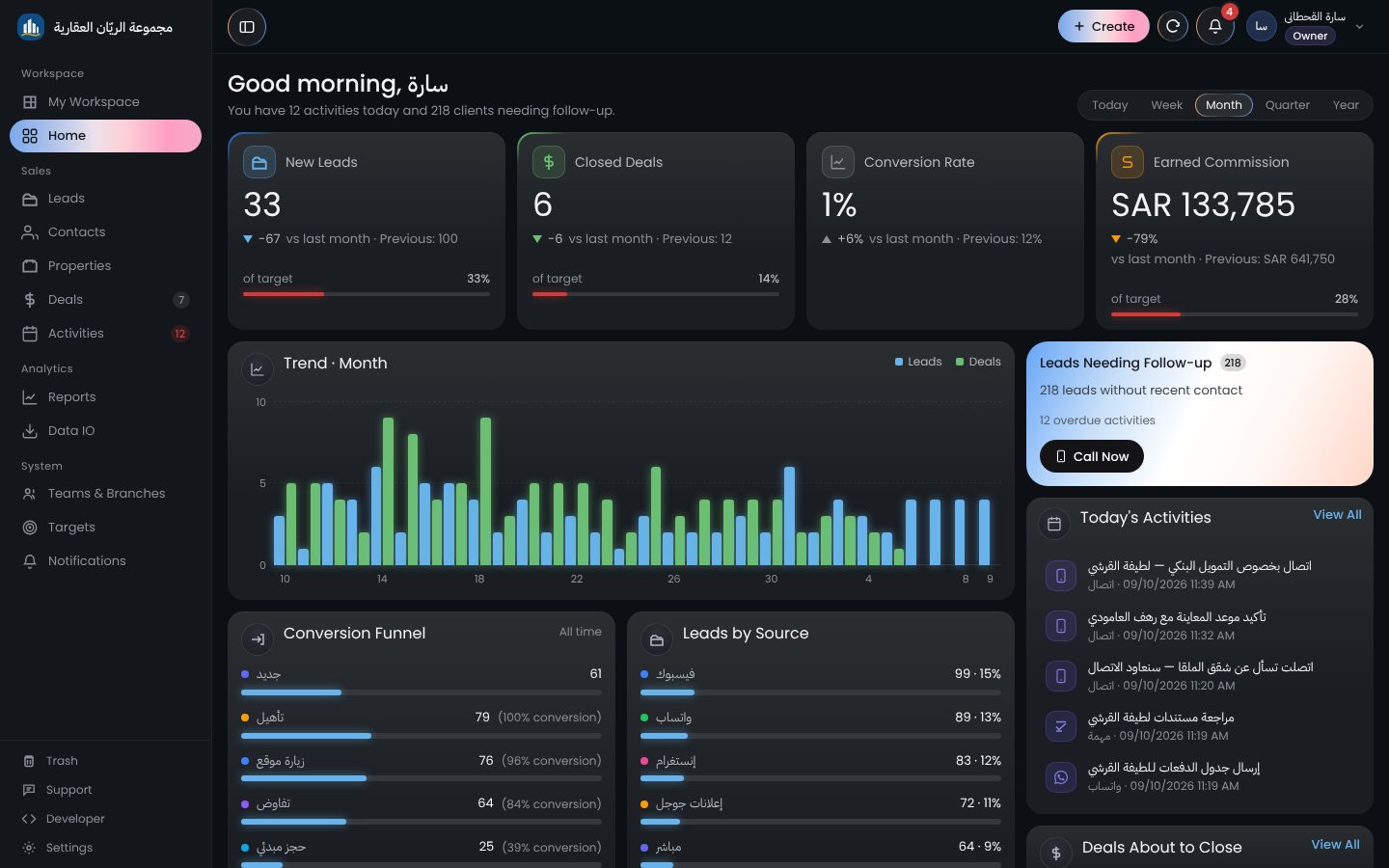
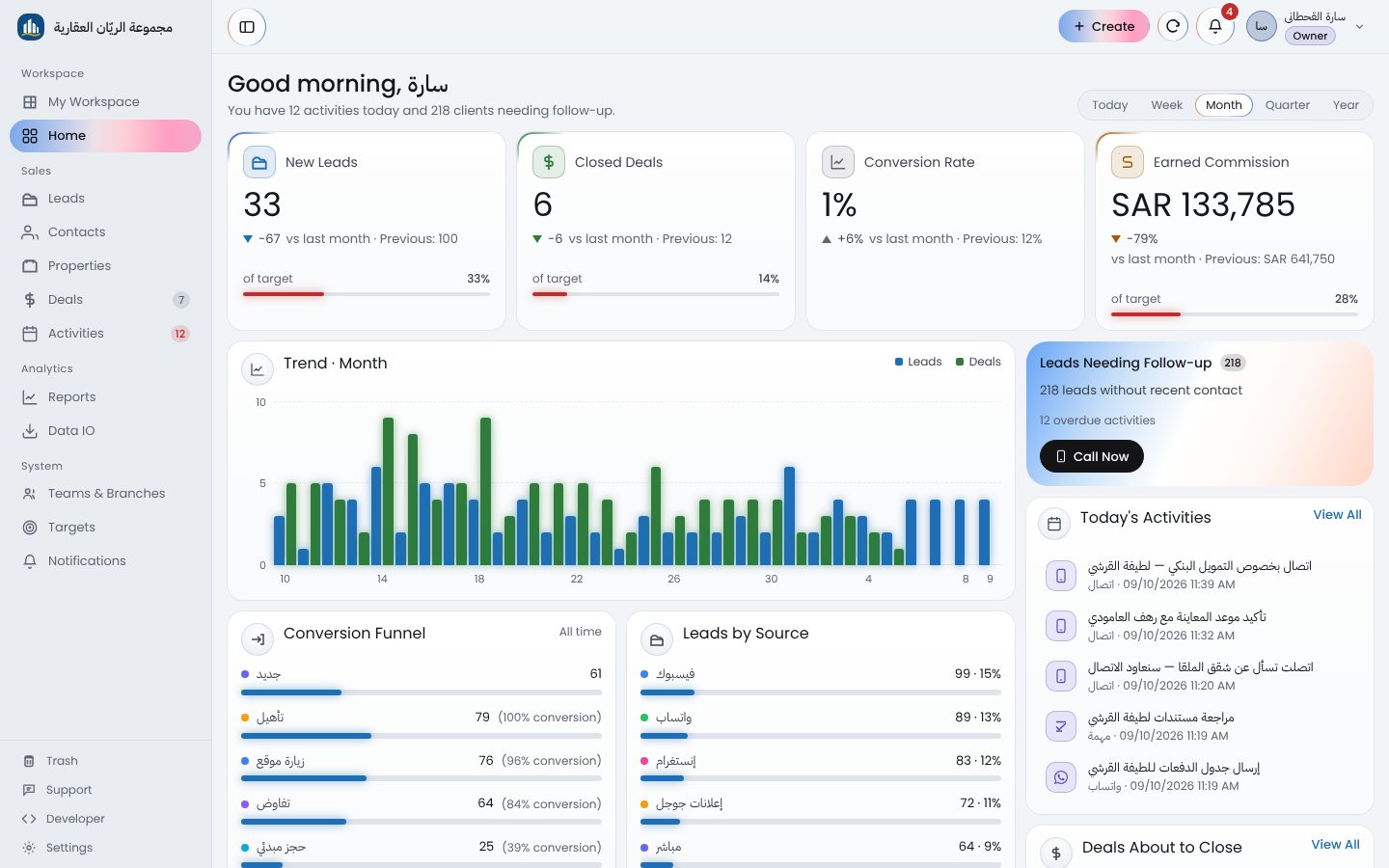
The screens your team spends most of the day on, as they look inside the product.
Leads come in from your website form, the API or an Excel file, or an agent adds them by hand. New leads are shared out in turn, by performance or by each agent's specialty, so every agent sees what is assigned to them.
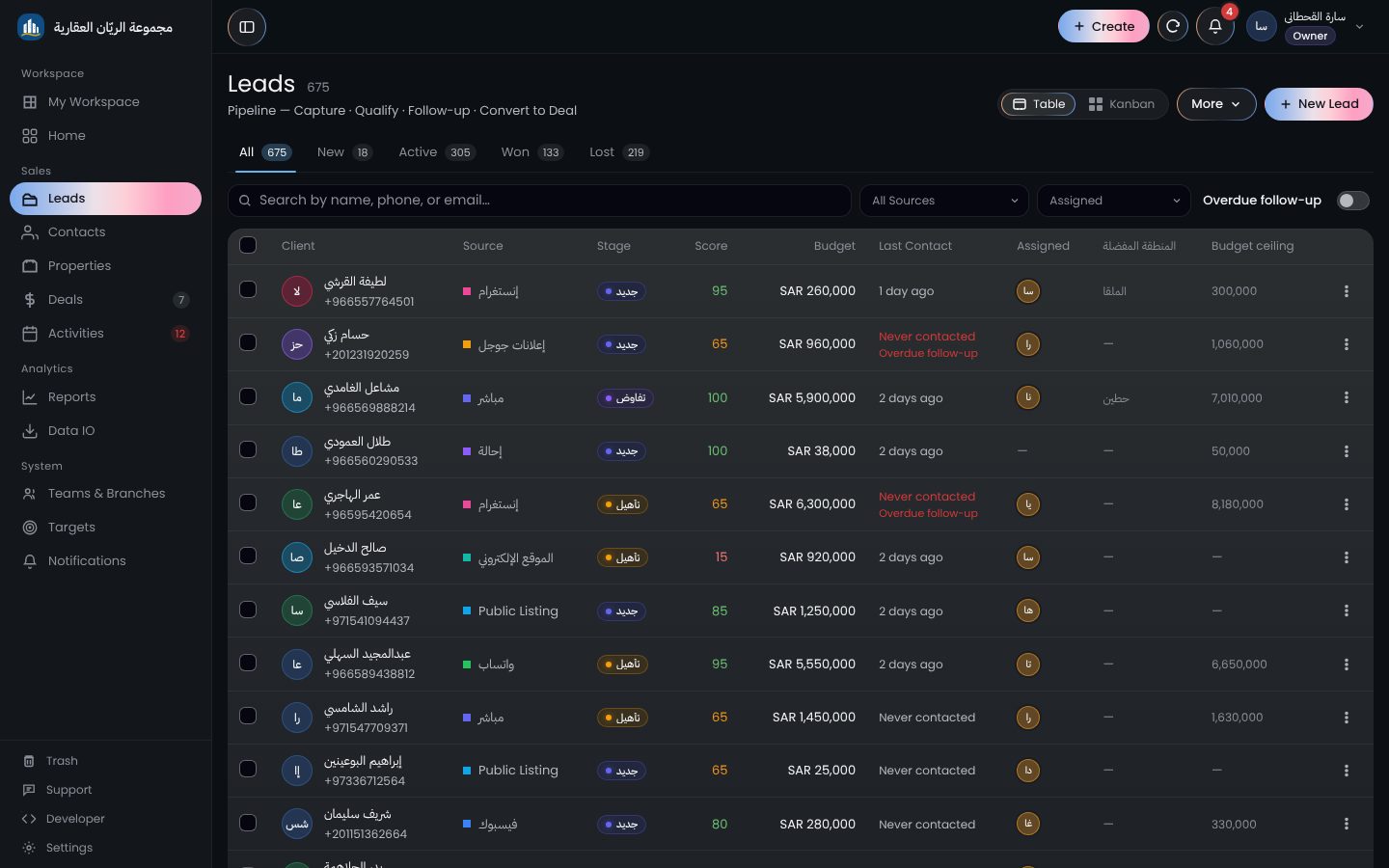
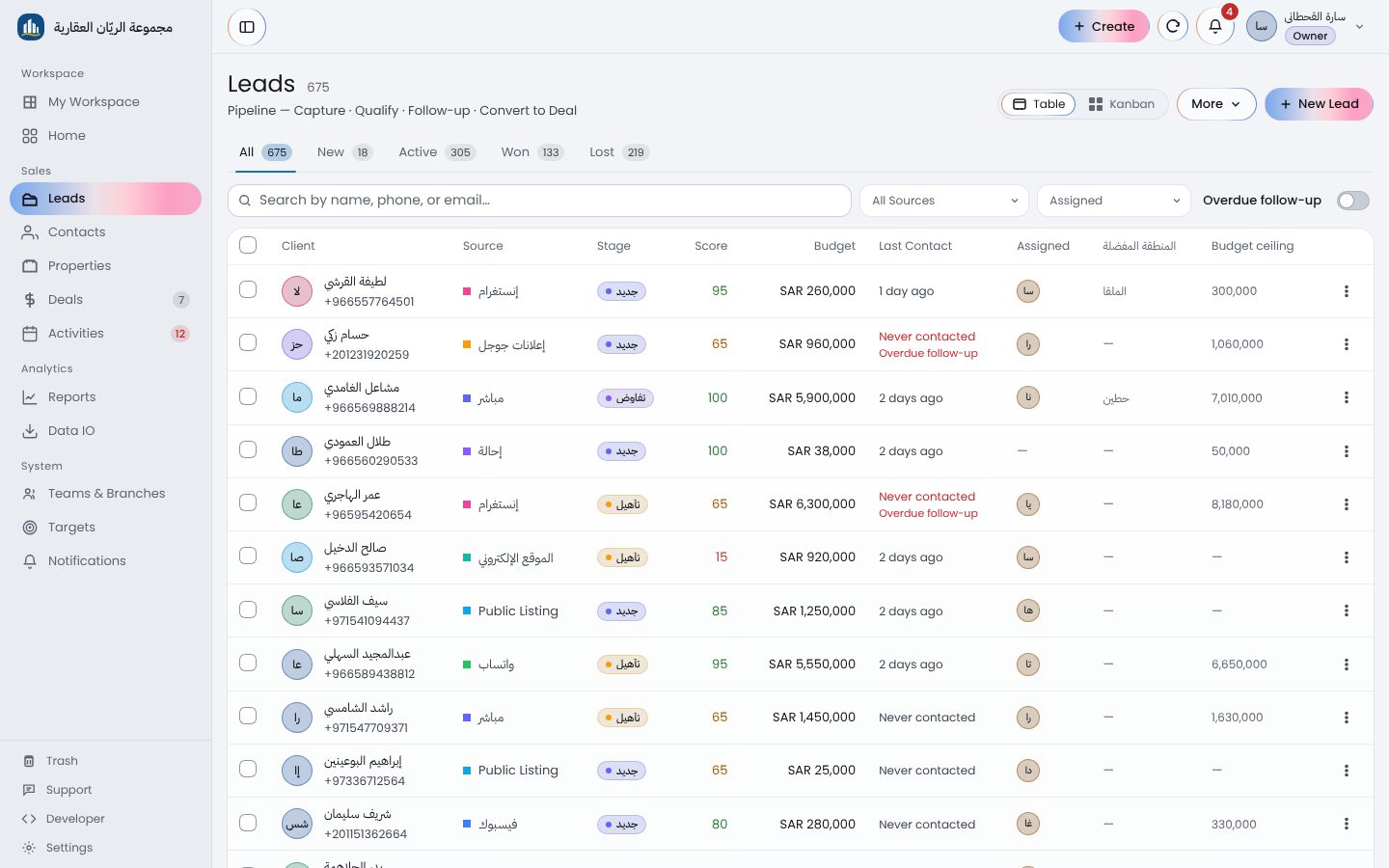
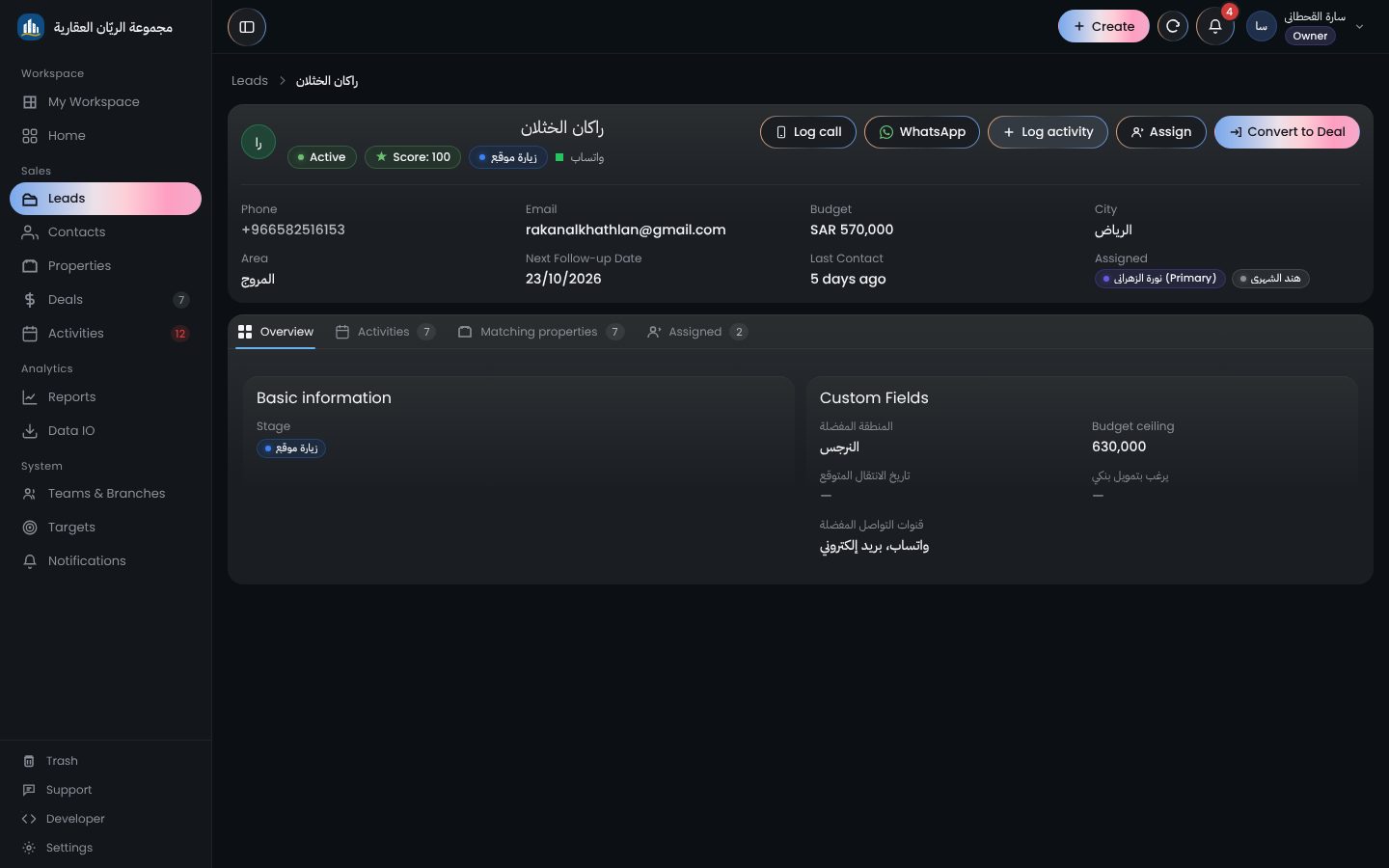
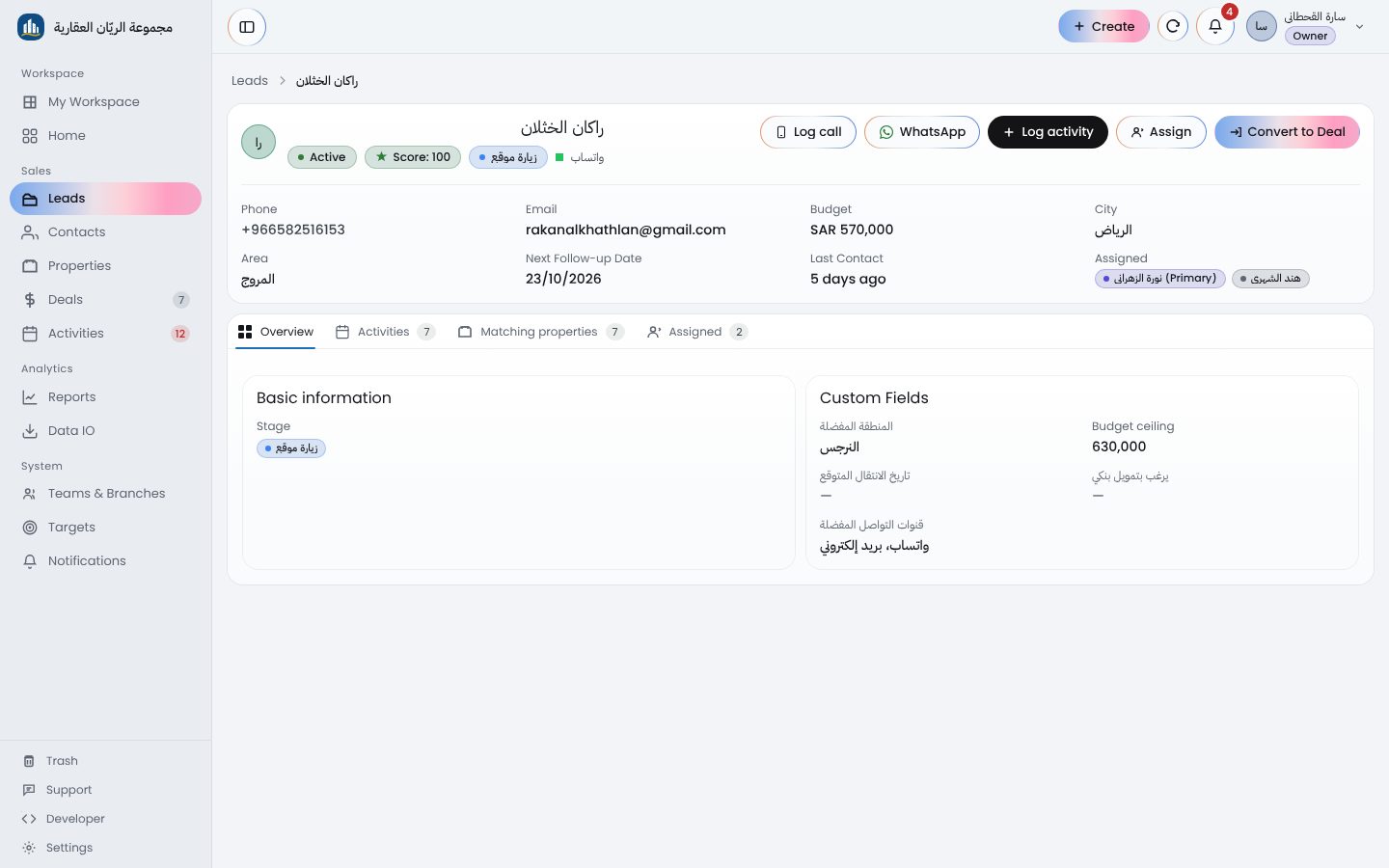
Calls, viewings, notes and the next follow-up live on the client's own page. Call or message them on WhatsApp from the record, and when they find the right property, turn the lead into a deal without typing their details again.
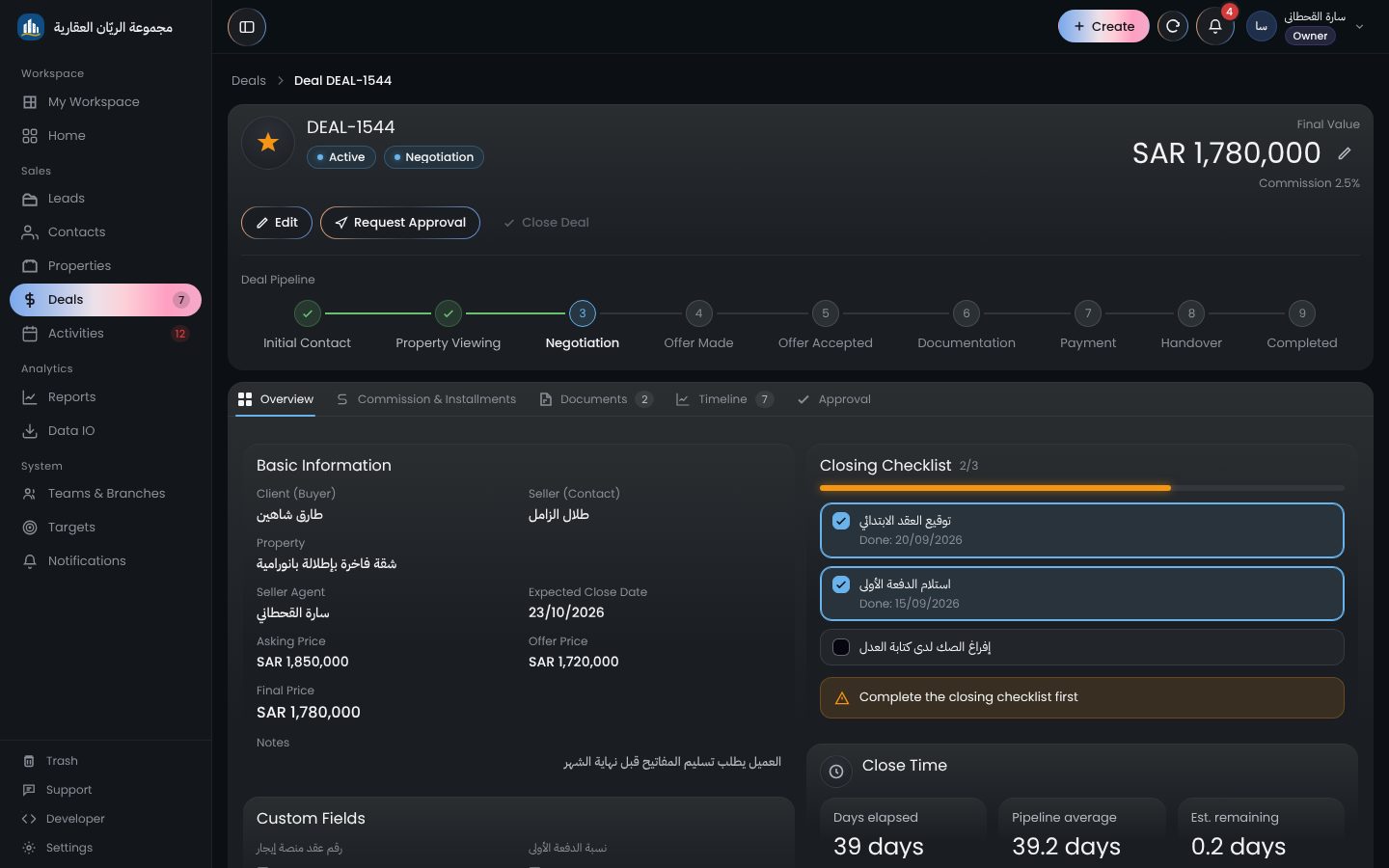
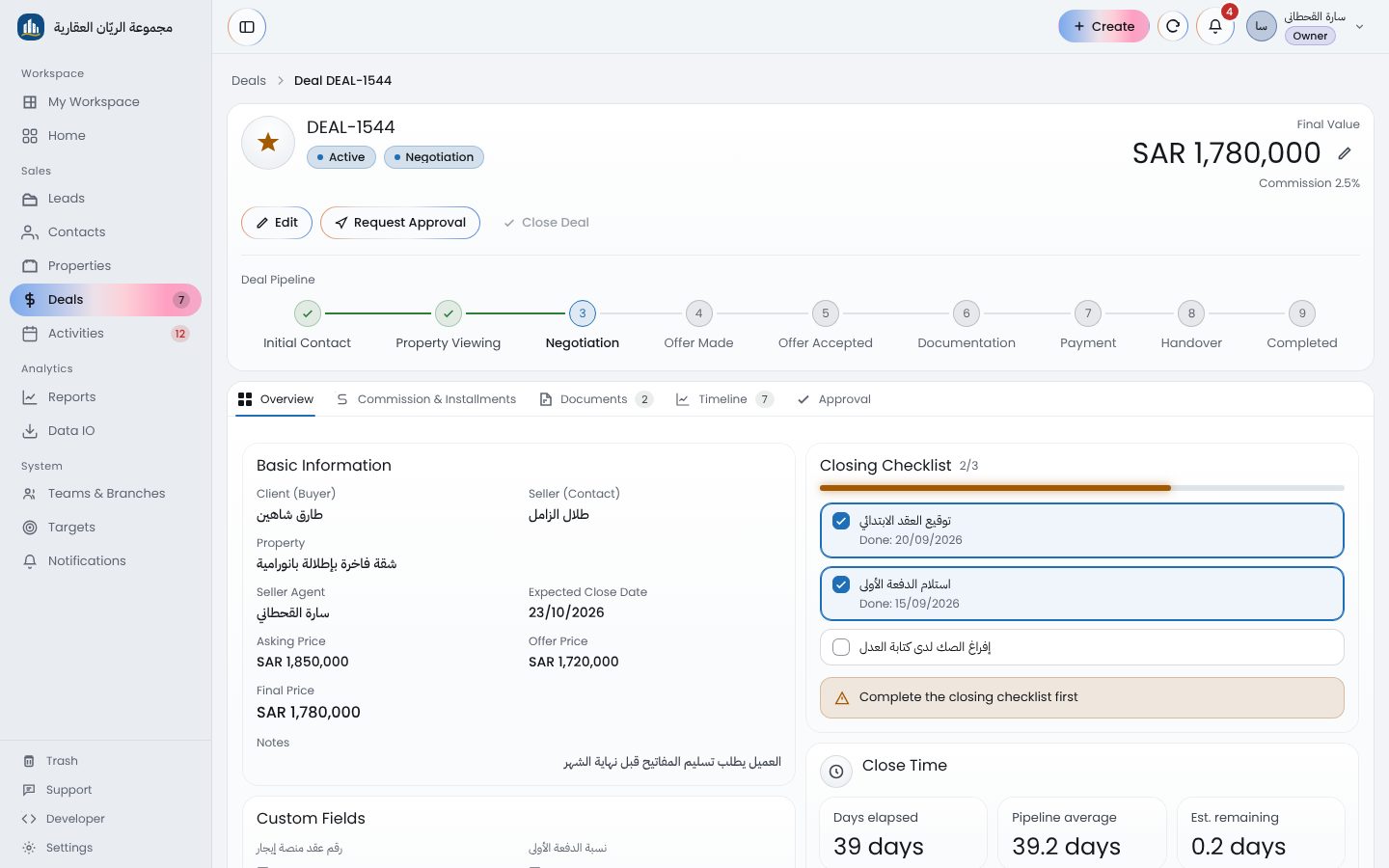
Stages, the closing checklist and documents sit together. Deals above a limit you set wait for a manager's approval before they can close.
A deal's commission is split between the office and its agents in the shares you set, worked out from the final price. A payment plan builds the installment schedule, so what is paid, what is left and what is late sit in one table.
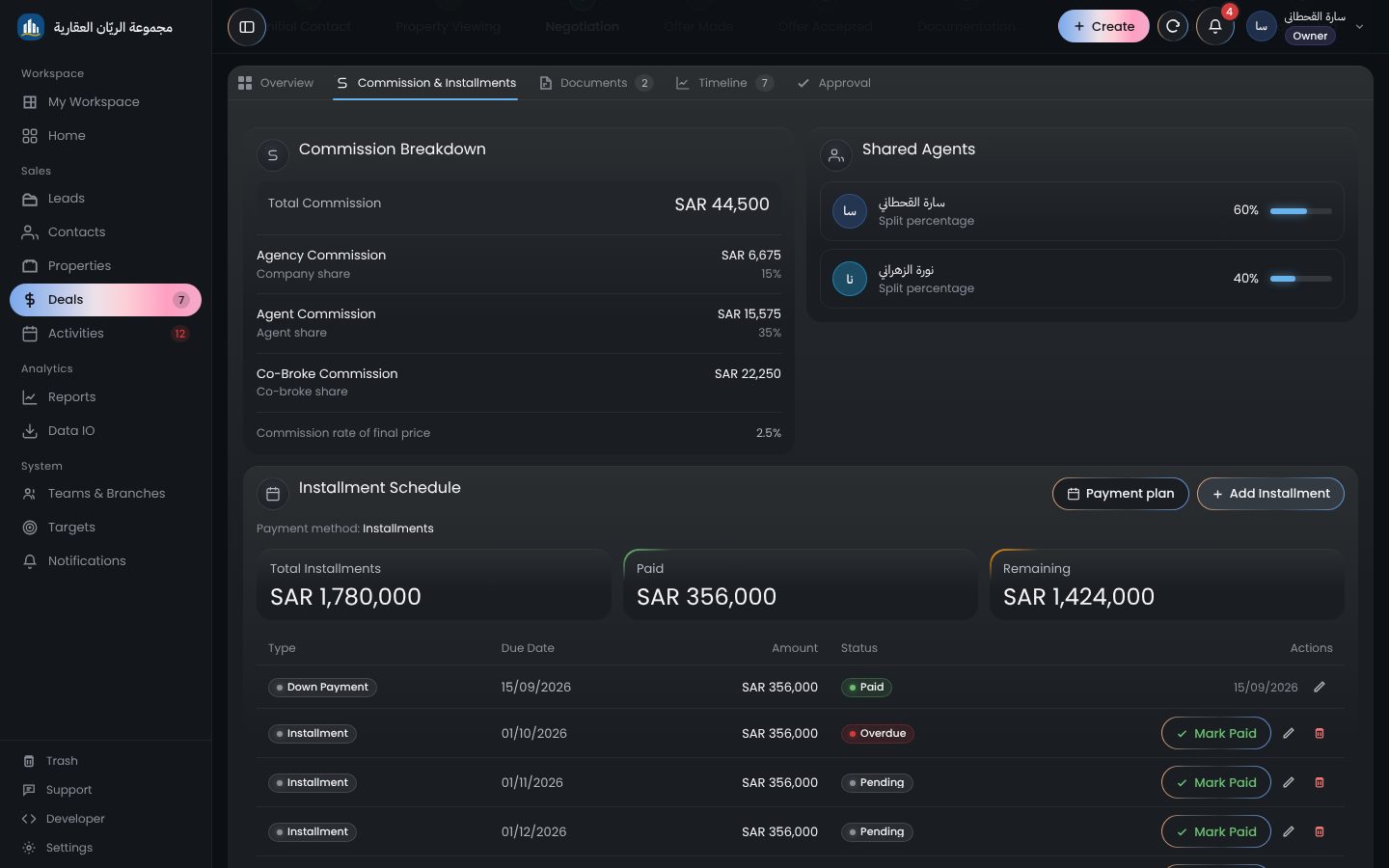
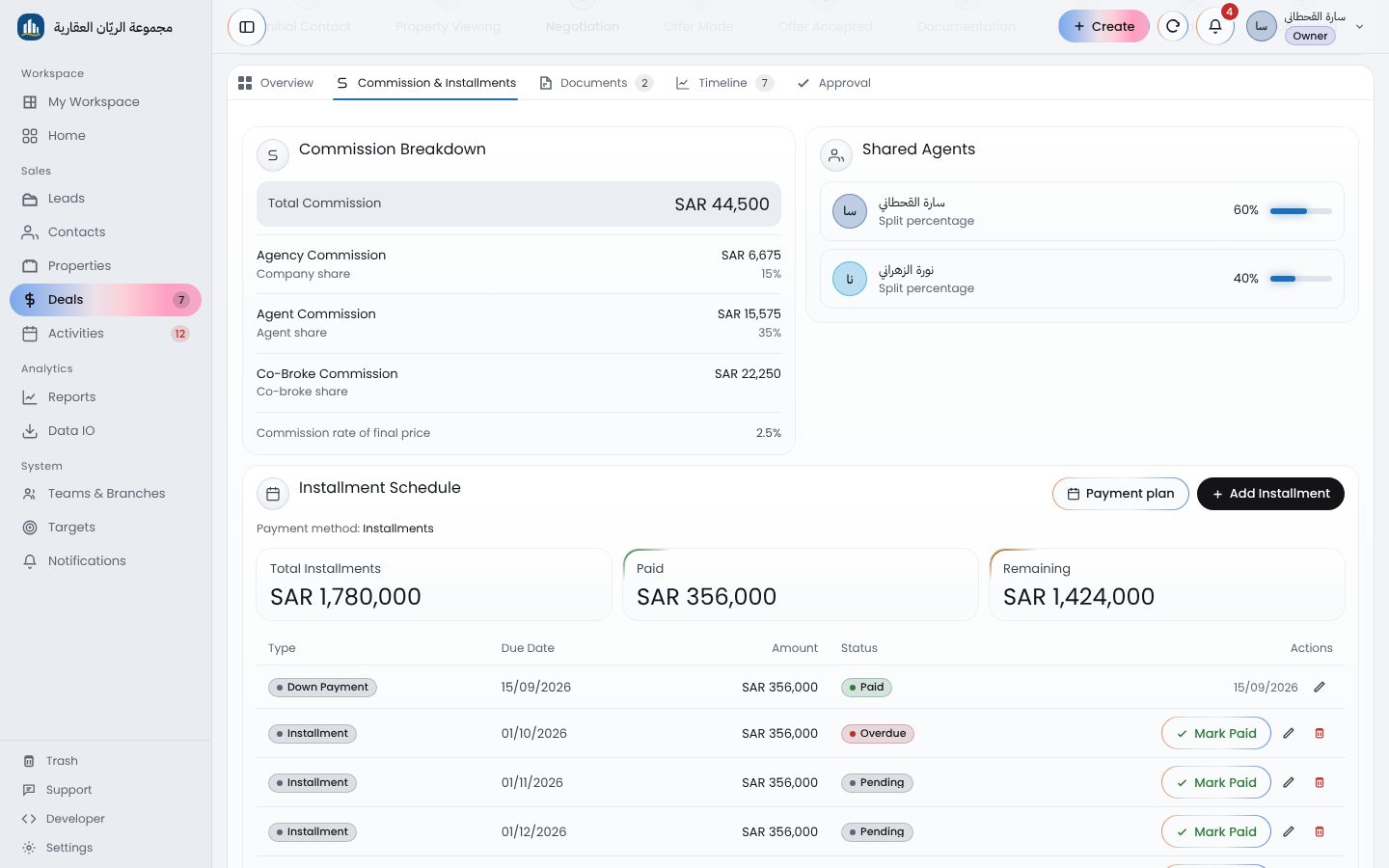
Leads, deals, contacts and activities each have their full page. If you would rather run your day from one place, My Workspace brings them together.
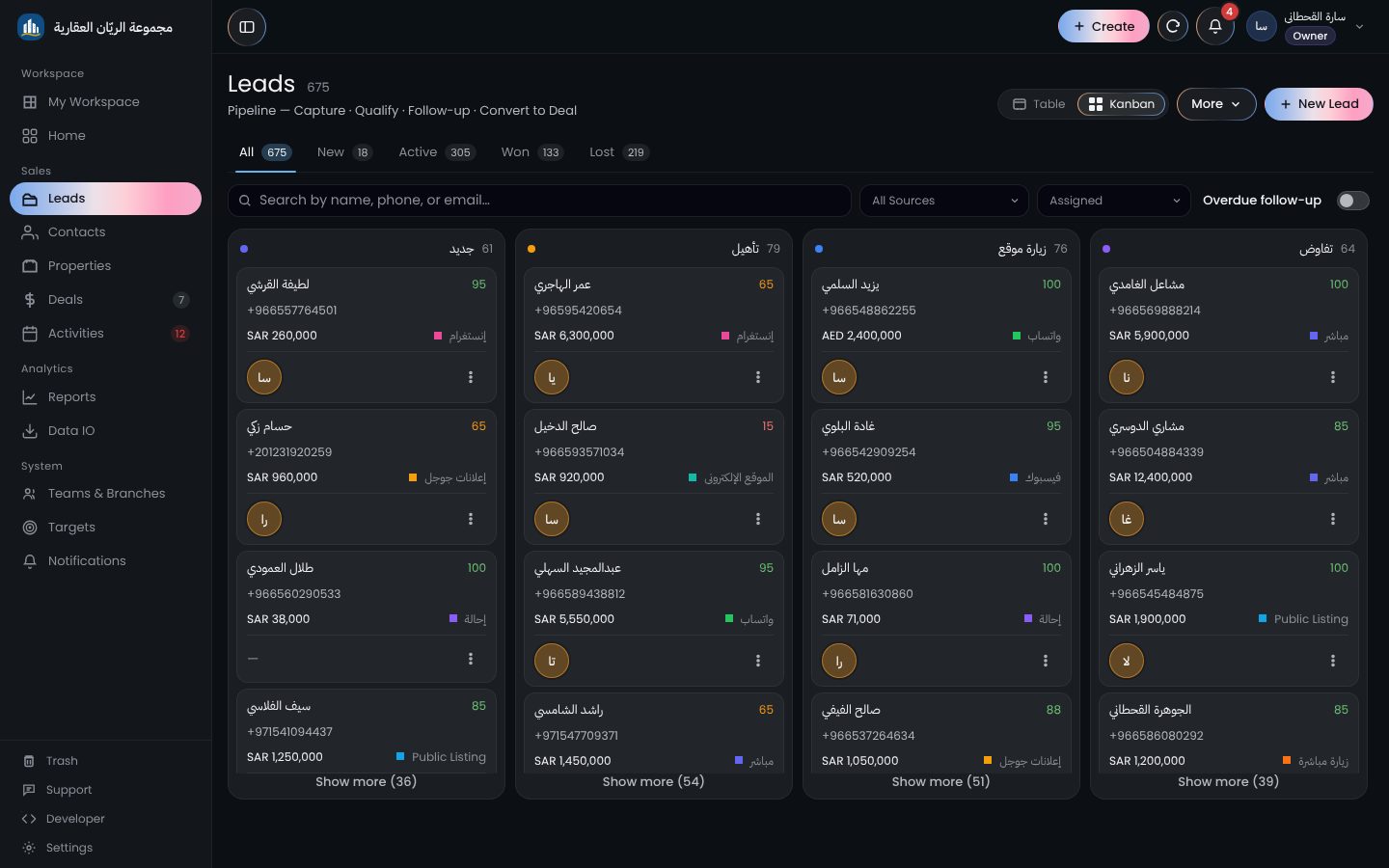
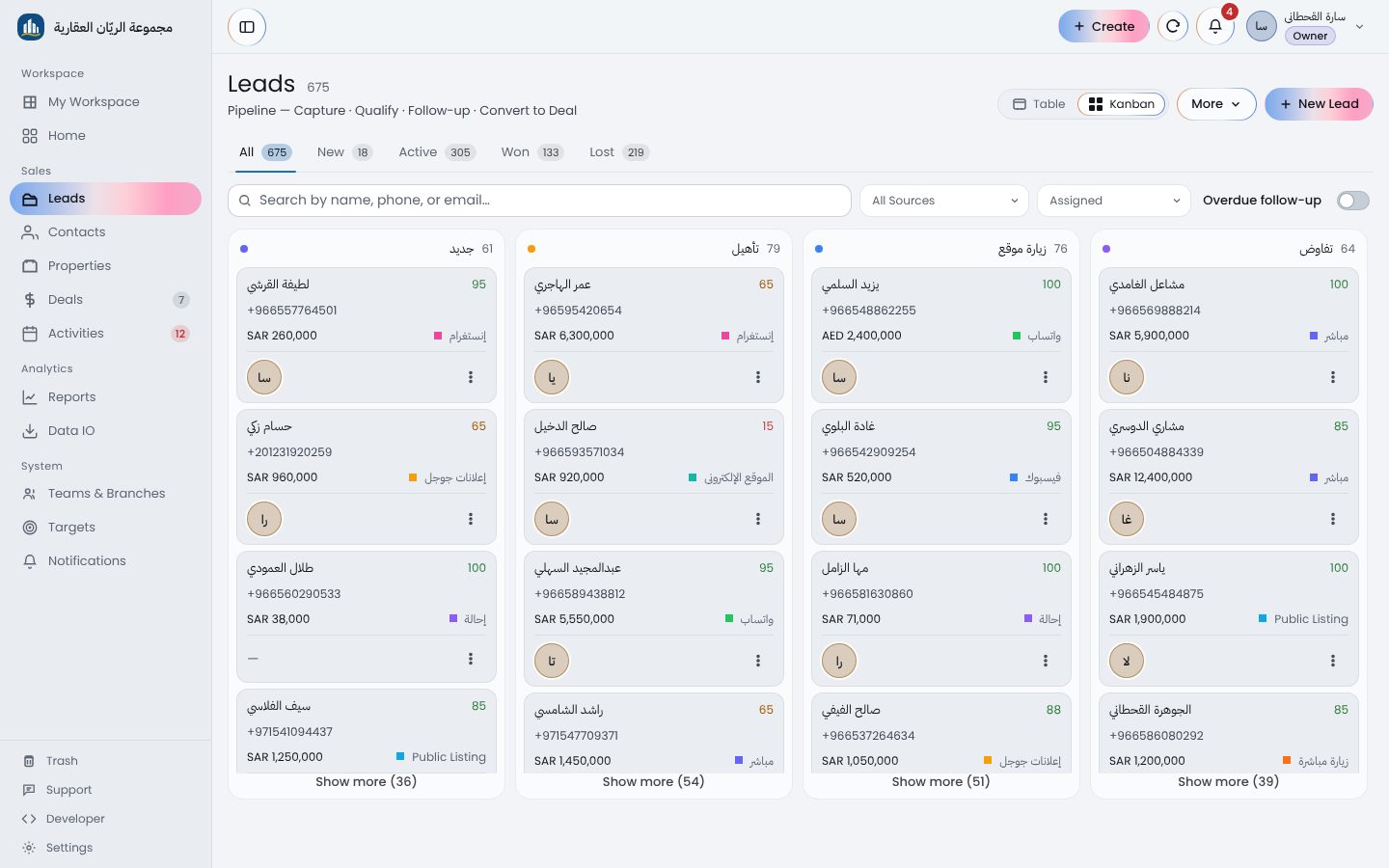
What you change in My Workspace shows on the section's page at once, and the other way round.
Each user sees in both places only what their role allows.
My Workspace and the section pages sit in the side menu, so you pick whichever suits the work at hand.
Conversion funnel, lead sources, agent performance and commissions, plus reports you build yourself and receive by email on a schedule.
Bring your clients in from Excel or CSV after previewing what will be added, and export any list whenever you like.
API keys with set scopes that only work from the address you allow, and instant notifications to your system when a lead is created or a deal changes.
Each company's data is stored apart from every other's, with two-step verification and a list of open sessions where you can end any you don't recognise.
The whole interface in both languages, right-to-left in Arabic, with dates and amounts in one clear format.
Download a full copy of your account's data whenever you want.
The list you already have goes in first, so you never start from zero.
Upload an Excel or CSV file of your current clients. The preview shows what will be added and what matches an existing record before anything runs.
Invite your agents by email and give each a role, a branch and a team. Working alone? Skip this step.
Choose how new leads are shared out: in turn, by performance or by specialty. Each agent then finds in My Workspace who to call today.
Every plan starts with a 14-day free trial.
$470/year
$950/year
No. The trial is free for 14 days and asks for no payment details.
A few minutes. When you sign up we set up roles, lead stages, lead sources and property types for you, and you can change any of them.
Yes. You pick the account type when you sign up: a brokerage with branches, teams and roles, or an independent broker with a simpler setup.
Yes. Import leads and contacts from an Excel or CSV file; the preview shows what will be added and what matches an existing record before anything runs.
Yes. Each agent links their own number by scanning a code in the product and messages a client from the client's record with that same number, and replies arrive in WhatsApp as usual. The product does not keep a copy of the conversations.
Each company's data is stored apart from every other's. You can turn on two-step verification for every user, and review or end open sessions.
Yes, from the billing page in settings whenever you need to.
Yes, from the billing page in settings. On a paid plan your account keeps working until the end of the period you paid for, and you can undo the cancellation before then.
Cards, e-wallets and bank transfer, with an invoice for every billing cycle.
Yes. Export any list as Excel or CSV, or download a full copy of your account.